RuledPaper
Free printable · PDF, PNG, SVG
Lined Paper With Columns
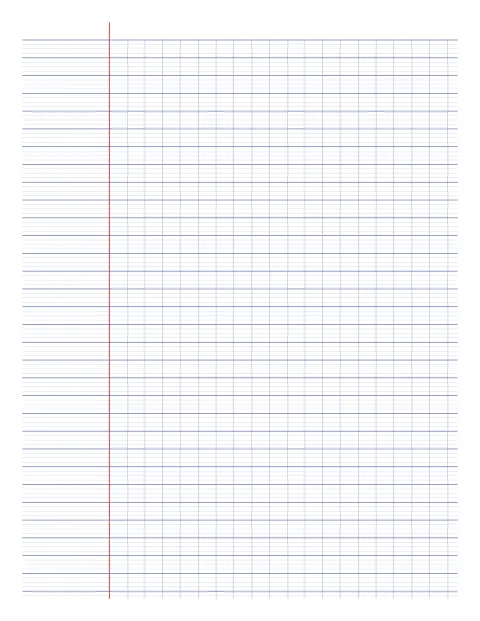
Sometimes a single wide row is the wrong shape for what you write. Column paper divides each ruled line into two, three or four narrow cells, so short entries line up neatly side by side. It works for inventory lists, reading logs, vocabulary tables and simple ledgers without the clutter of a full grid. Choose the number of columns, set the line spacing and print as many pages as your list needs.

Preview of page 1. 215.9 mm × 279.4 mm. Print at 100% (“Actual size”) to keep the spacing exact.
Ready-made lined paper with columns presets



What people use it for
- Two-column vocabulary lists for language learners
- Three-column logs such as date, item and amount
- Four-column checklists, packing lists and shopping lists
- Reading logs with title, author, pages and rating
- Simple household budgets and expense records
Tips for lined paper with columns
- Decide how many fields each entry needs, then choose the matching number of columns; two columns suit word pairs, four suit compact records.
- Use wider line spacing when columns are narrow, so numbers and words fit without crowding.
- Switch to landscape orientation to give each of four columns more width on A4 or Letter.
- Write column titles on the first line and underline them so the rest of the page reads like a table.
- Pick a soft line color if you plan to highlight or color code rows afterwards.
Printing tip: in the print dialog choose Actual size or 100%, not “Fit to page”, or the spacing shrinks slightly. How we keep sizes exact.
Questions
How many columns can I add?
The generator offers two, three or four equal columns. For more fields, print in landscape on a larger sheet or use a ruled table layout from the grid section.
Are the columns equal widths?
Yes, the printable area between the margins is divided evenly. If you need one wide and one narrow field, use two columns and leave part of a cell blank.
Can I use this as a simple ledger?
Yes. Three or four columns work well for date, description, amount and running balance. Write amounts on the right side of each cell so the digits line up.
What spacing is best for columns?
For small handwriting in narrow cells, about 7 mm (9/32 in) works well. If you write larger or use a thick pen, try 8 to 9 mm.