RuledPaper
Free printable · preset
Printable Three Column Lined Paper
This page divides each ruled row into three equal columns with a colored divider between them. Three fields per row is the natural layout for logs such as date, activity and result, or for vocabulary lists with a word, its translation and an example. The generator opens with three columns and college ruling (9/32 inch, 7.14 mm), and you can still change the column count, spacing and colors.
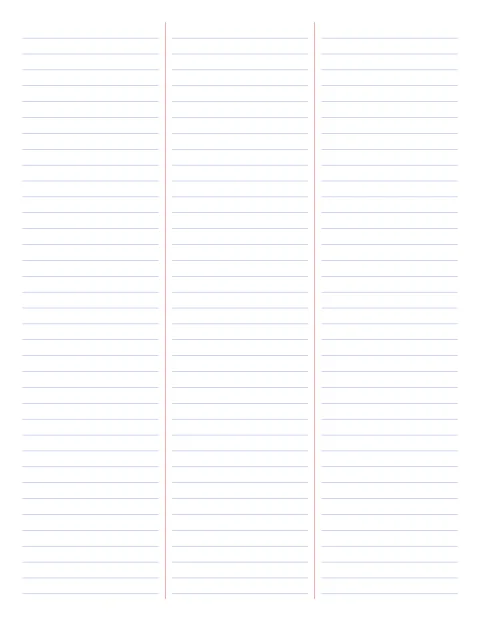
Preview of page 1. 215.9 mm × 279.4 mm. Print at 100% (“Actual size”) to keep the spacing exact.
Tips for this setting
- Use it as a vocabulary sheet: word, translation, example sentence. Fold the paper to hide one column and quiz yourself.
- Make a simple expense log with date, item and amount, writing amounts at the right edge of the third column so digits line up.
- Try a reading log with title, pages read and date finished for classroom reading records.
- Switch to landscape for wider columns if one of your fields needs long entries.
Language learners keep vocabulary notebooks on it, teachers hand it out for reading logs and science observations, and small businesses use it as a quick handwritten record of date, item and amount. It also works as a KWL chart in class: what I know, what I want to know and what I learned.
Every option above can still be changed. For the full guide to lined paper with columns, see the lined paper with columns page.
Settings on this page
| Setting | Value | Set by |
|---|---|---|
| Paper size | US Letter in the US and Canada, A4 everywhere else (from your browser language) | Lined paper with columns default |
| Orientation | Portrait | Lined paper with columns default |
| Margin | 10 mm (0.394 in) on every side | Lined paper with columns default |
| Columns | 3 columns | This preset |
| Line spacing | 7.14 mm (0.281 in) | Lined paper with columns default |
| Line weight | 0.20 mm | Lined paper with columns default |
| Name and date line | Off | Lined paper with columns default |
This page changes the columns from the standard lined paper with columns settings. Paper size, orientation and margin sit in the Paper panel of the generator; the other settings are in the Lined paper with columns panel. The address bar updates as you change them, so you can bookmark or share your own version.
Printing it at the right size
US Letter is 215.9 × 279.4 mm and A4 is 210 × 297 mm. Choose the size that is in your printer under Size before you download, because a print dialog that fits a Letter page onto A4 scales it to about 97%, and A4 onto Letter to about 94%.
Exact size matters here. If a print dialog fits A4 onto US Letter (about 94%), the line spacing of 7.14 mm prints as 6.72 mm. Choose "Actual size" or "Scale 100%", then check one measurement on the printout with a ruler.
Questions
What is three column paper used for?
Anything with three fields per entry: vocabulary with translation and example, expense logs, reading logs, inventory lists and simple timetables.
Can I make one column wider than the others?
The columns are equal. If you need one wide field, merge two columns by writing across the divider, or use the two column setting instead.
How do I make a three column chart on paper?
Print this page, or rule two vertical lines that split a sheet into equal thirds. Write a heading at the top of each column, such as date, task and done, then fill in one entry per row. The generator draws the dividers at equal widths for you.