RuledPaper
Free printable · PDF, PNG, SVG
Printable Monthly Habit Tracker
A habit tracker turns small daily actions into a visible chain of filled squares. Write the habits you are building down the left side, and each day color in the square under the date when you complete one. Over a month the grid shows exactly where you were consistent and where things slipped. Choose the month and year so the days line up with the real calendar, then hang the sheet where you will see it every evening.
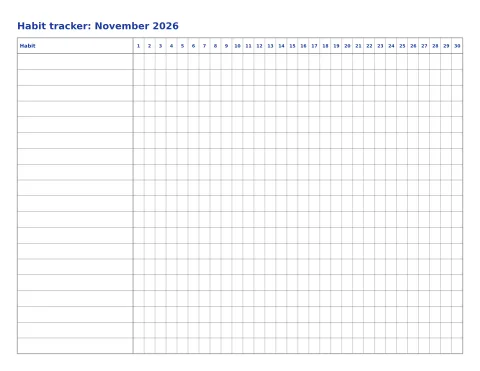
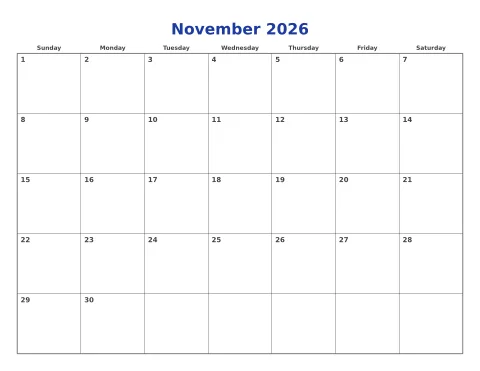
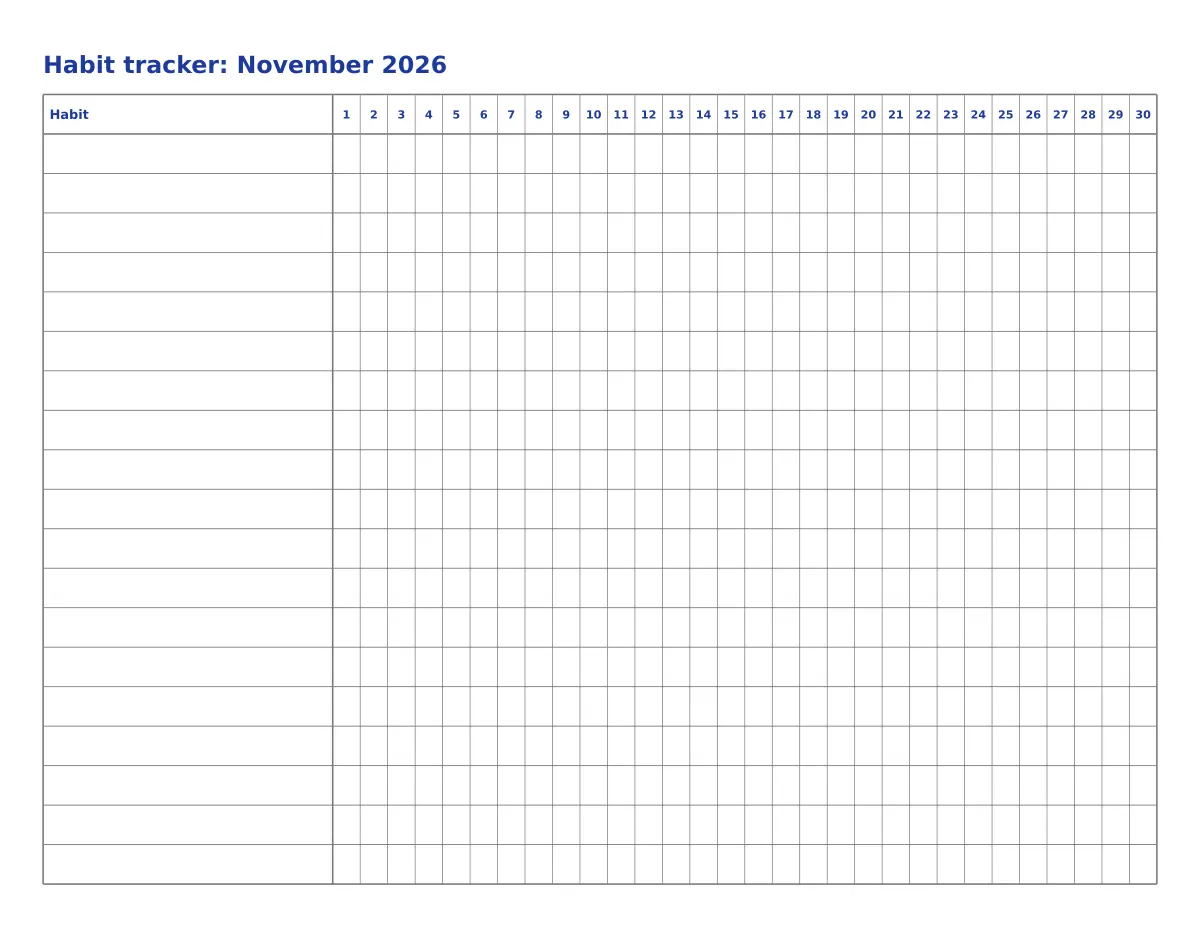
Preview of page 1. 279.4 mm × 215.9 mm. Print at 100% (“Actual size”) to keep the spacing exact.
What people use it for
- Building routines such as reading, exercise or drinking water
- Tracking sleep, steps and screen-free evenings
- Language practice and music practice streaks
- Kids' routines such as brushing teeth and reading time
- Monthly pages in bullet journals and planners
Tips for habit tracker
- Choose the month and year so the number of days matches the month you are tracking.
- List between three and eight habits; too many makes the tracker hard to keep up with.
- Fill a square only when the habit is done, and leave it empty otherwise, so the record stays honest.
- Keep the sheet in a visible place and update it at the same time every day, such as before bed.
- At the end of the month, count the filled squares for each habit and decide what to keep, drop or adjust.
Printing tip: in the print dialog choose Actual size or 100%, not “Fit to page”, or the spacing shrinks slightly. How we keep sizes exact.
Questions
How many habits should I track?
Fewer is usually better. Start with three to five habits that matter most and add more only once those feel automatic.
Does the tracker adjust for shorter months?
Yes. When you pick the month and year, the grid shows the correct number of days, including 29 days for February in a leap year.
What if I miss a day?
Leave the square blank and continue the next day. The aim is a strong overall pattern, not a perfect month.
Can I use symbols instead of filling squares?
Of course. Some people use a tick for done, a dot for partly done and a dash for skipped days, which gives a more detailed record.