RuledPaper
Free printable · PDF, PNG, SVG
Printable Braille Cell Template
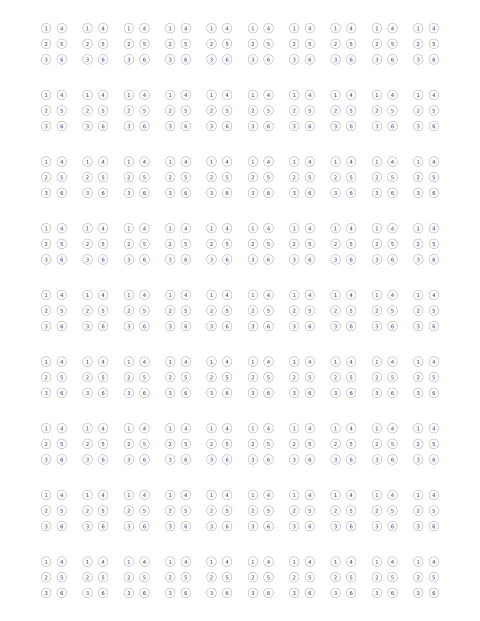
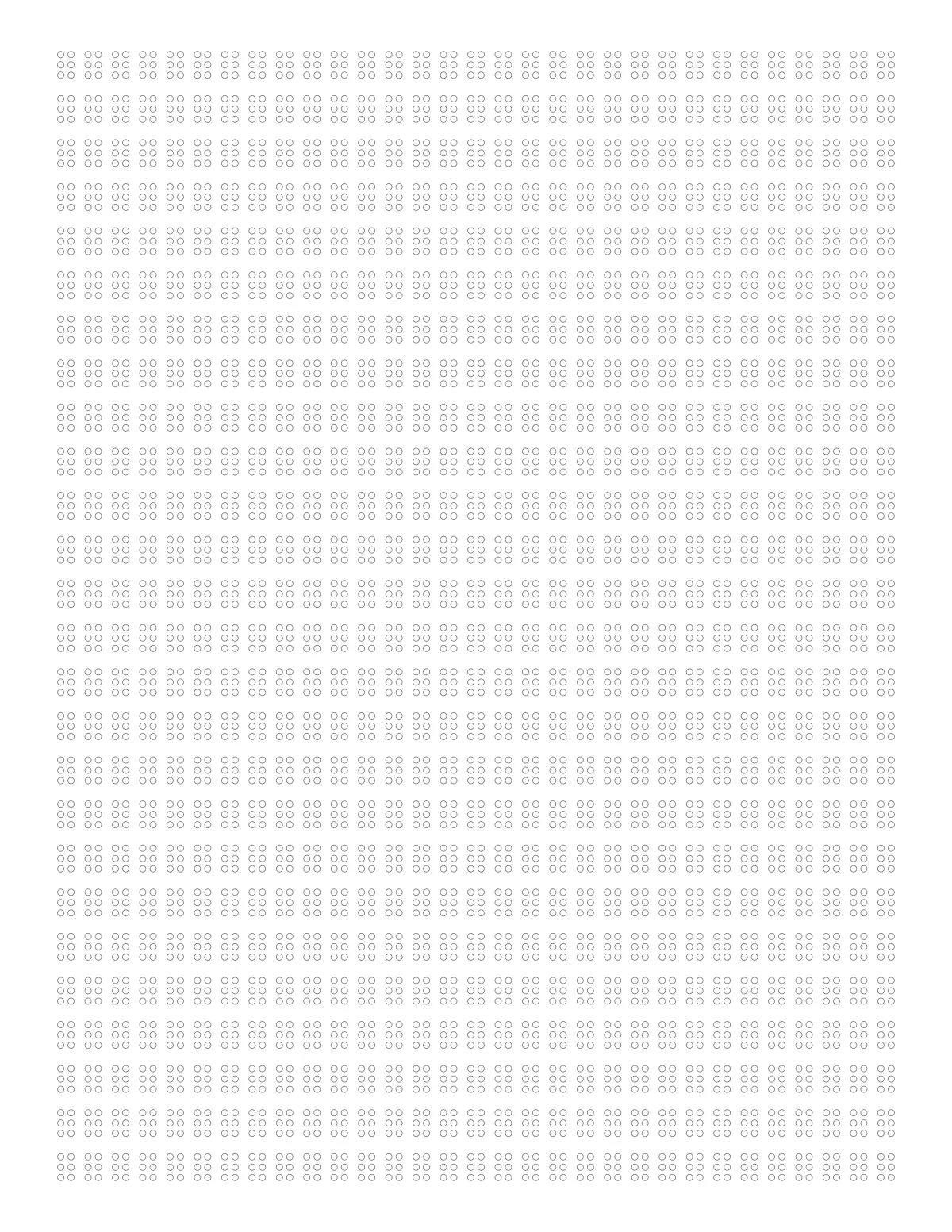
Every braille character is a cell of six dot positions, two columns of three, numbered 1, 2, 3 down the left and 4, 5, 6 down the right. This template fills the page with empty cells so sighted learners, teachers and parents can write braille by hand: fill in the dots of each letter with a pen, plan a label, or check a transcription. The actual-size option uses the dot, cell and line spacing of the Library of Congress NLS Specification 800, and the enlarged options make the cells big enough for young children, with the dot numbers printed inside.
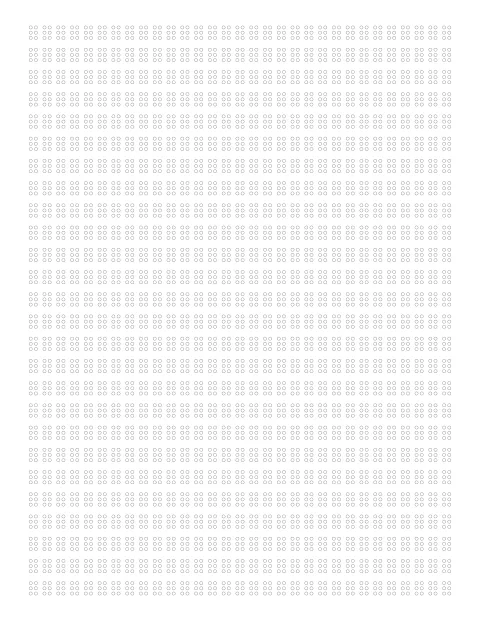
Preview of page 1. 215.9 mm × 279.4 mm. Print at 100% (“Actual size”) to keep the spacing exact.
Ready-made braille cell paper presets
What people use it for
- Sighted parents, siblings and teachers learning the braille alphabet
- Classroom activities where children colour in the dots of their name
- Planning braille labels and signs before embossing them
- Checking a hand transcription cell by cell
- Teaching dot numbers with the triple-size cells
Standard measurements
| Dots in one cell (NLS Spec 800) | 0.092 in (2.34 mm) between dot centres |
|---|---|
| Cell to cell (NLS Spec 800) | 0.245 in (6.2 mm) between corresponding dots of adjacent cells |
| Line to line (NLS Spec 800) | 0.400 in (10 mm) |
| Dot base diameter (NLS Spec 800) | 0.057 in (1.44 mm), drawn as the circle size |
| Dot numbering | 1, 2, 3 down the left column, 4, 5, 6 down the right |
Tips for braille cell paper
- Choose actual size to see braille at its real spacing, or double or triple size for teaching and colouring.
- Fill in the dots of each letter with a dark pen or a dot marker; leave the other circles empty.
- Write one character per cell, from left to right, and leave an empty cell between words.
- Print at 100% (Actual size) when you use the actual-size grid, so the spacing matches the specification.
Printing tip: in the print dialog choose Actual size or 100%, not “Fit to page”, or the spacing shrinks slightly. How we keep sizes exact.
Questions
Can a blind reader read this printed sheet?
No. Printed ink is flat. The sheet is for sighted people learning, planning or checking braille; tactile braille needs a slate and stylus, a braille writer or an embosser.
How are the six dots numbered?
Dots 1, 2 and 3 run top to bottom in the left column, and dots 4, 5 and 6 run top to bottom in the right column.
Where do the measurements come from?
The actual-size grid uses the nominal values of the Library of Congress NLS Specification 800 for braille on paper, as listed by the Braille Authority of North America: 2.34 mm between dots, 6.2 mm between cells and 10 mm between lines.
How many cells fit on a braille page?
A standard 11 by 11.5 in braille page holds 25 lines of 43 characters. On Letter or A4 with margins, the actual-size grid fits about 30 cells across.