 RuledPaper
Free printable · preset
Large Braille Cells with Numbered Dots
This preset prints braille cells at three times their real spacing, with the dot number written inside each of the six circles. Children and sighted adults learning braille can see at once that dots 1, 2 and 3 run down the left and 4, 5 and 6 down the right, and fill in the dots of each letter with a marker or a sticker.
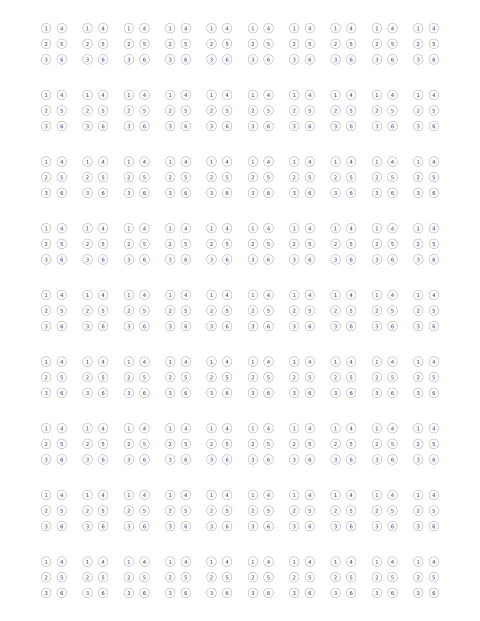
Preview of page 1. 215.9 mm × 279.4 mm. Print at 100% (“Actual size”) to keep the spacing exact.
Tips for this setting
- Use round stickers or a bingo dauber for the dots; it is quick and children love it.
- Spell the child's name first: one cell per letter, with an empty cell between first and last name.
- Read letters aloud by their dot numbers, for example b is dots 1 and 2, to practise the code.
- Switch back to actual size to show how small real braille is next to the enlarged cells.
Teachers of students with visual impairments, classroom teachers and parents use enlarged cells to introduce sighted children to the braille alphabet, for example in a lesson about Louis Braille or disability awareness. Families of blind children also use them to learn the code alongside their child.
Every option above can still be changed. For the full guide to braille cell paper, see the braille cell paper page.
Settings on this page
| Setting | Value | Set by |
|---|---|---|
| Paper size | US Letter in the US and Canada, A4 everywhere else (from your browser language) | Braille cell paper default |
| Orientation | Portrait | Braille cell paper default |
| Margin | 10 mm (0.394 in) on every side | Braille cell paper default |
| Cell size | Triple size, numbered dots | This preset |
| Line weight | 0.15 mm | Braille cell paper default |
| Name and date line | Off | Braille cell paper default |
This page changes the cell size from the standard braille cell paper settings. Paper size, orientation and margin sit in the Paper panel of the generator; the other settings are in the Braille cell paper panel. The address bar updates as you change them, so you can bookmark or share your own version.
Printing it at the right size
US Letter is 215.9 × 279.4 mm and A4 is 210 × 297 mm. Choose the size that is in your printer under Size before you download, because a print dialog that fits a Letter page onto A4 scales it to about 97%, and A4 onto Letter to about 94%.
This braille cell paper preset does not depend on an exact measurement the way ruled or graph paper does, but printing at "Actual size" or 100% keeps the 10 mm margin even on all four sides.
Questions
How large are the cells?
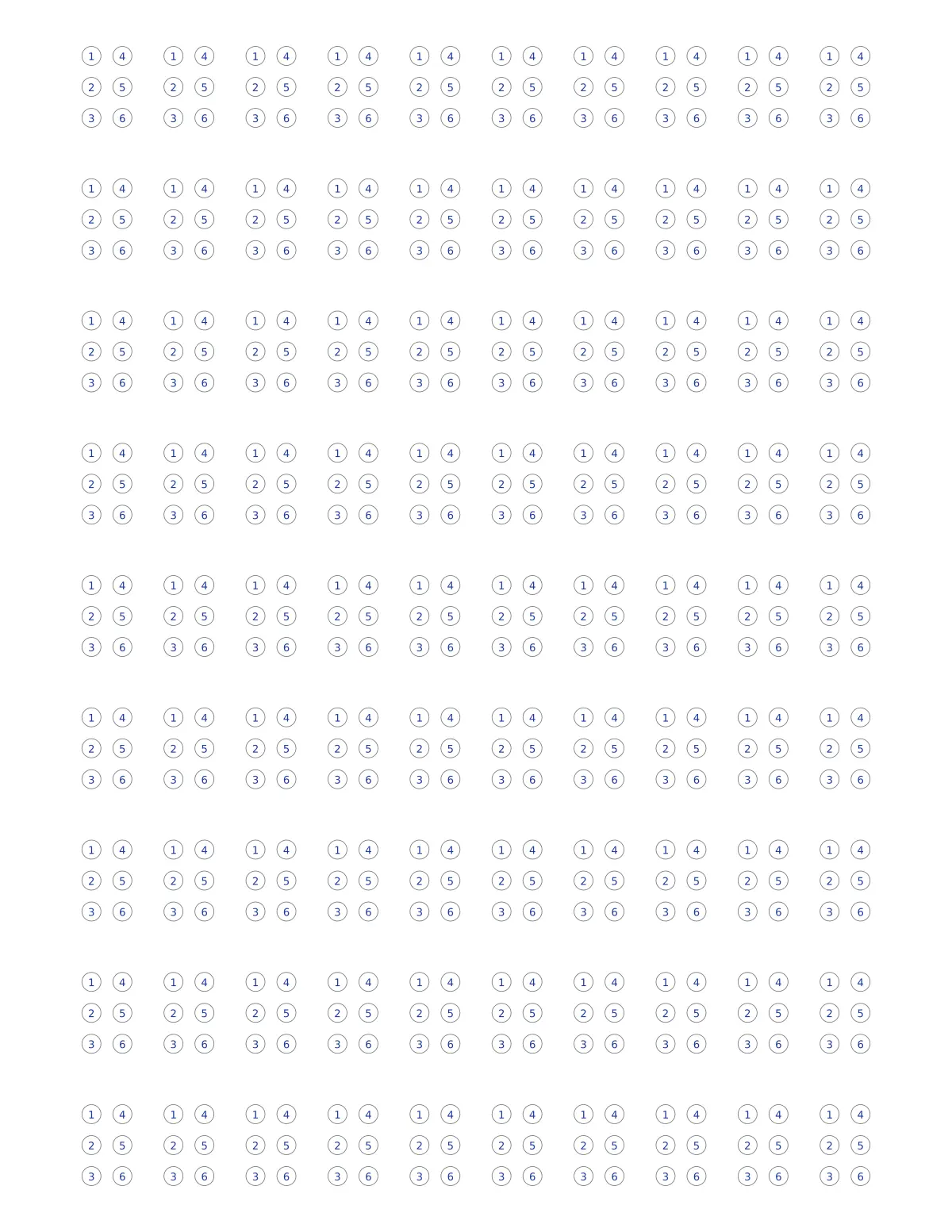
Three times the NLS Specification 800 spacing: about 7 mm between dots, 18.6 mm from cell to cell and 30 mm between lines.
Can this be read by touch?
No. The sheet is flat print for sighted learners. Tactile braille needs a slate and stylus, a braille writer or an embosser.
How many dots are in a braille cell?
Six, in two columns of three, numbered 1 to 3 down the left and 4 to 6 down the right. Six dots give 64 possible patterns including the blank cell, enough for letters, numbers, punctuation and common contractions.