RuledPaper
Free printable · preset
Four Coordinate Planes on One Page
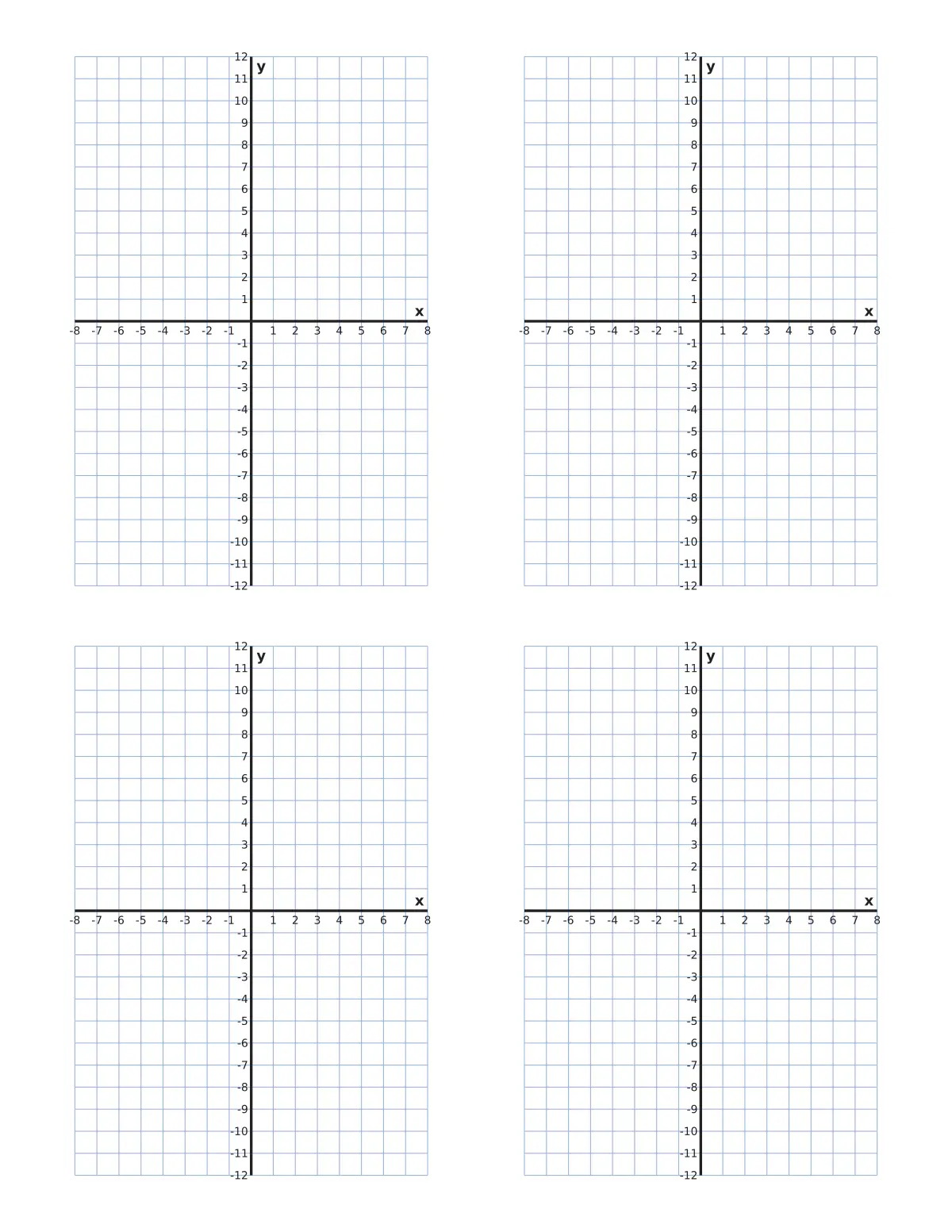
This preset splits the sheet into four equal coordinate planes, each with its own x-axis, y-axis and numbered units centered on the origin. Four graphs per page is the sweet spot for homework sets and exit tickets: every problem gets its own plane, yet each plane is still large enough to plot a line or a simple transformation clearly. The page opens the generator already set to four grids, and you can still change the unit size, numbering, colors or page size before you download.
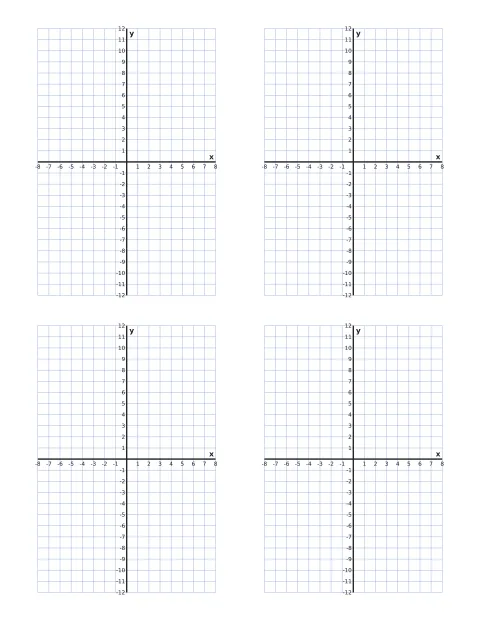
Preview of page 1. 215.9 mm × 279.4 mm. Print at 100% (“Actual size”) to keep the spacing exact.
Tips for this setting
- Write a problem number in the corner of each plane before copying, so students and graders can match answers to questions quickly.
- Keep the unit size at 5 mm or 1/4 inch on Letter or A4; larger units leave each of the four planes with too few squares to reach 5 or 6 in every direction.
- Use one plane per step of a transformation sequence: the original figure, the reflection, the rotation and the translation side by side on one sheet.
- Print on A3 or Tabloid if you want four planes that are each as large as a typical half-page graph.
Every option above can still be changed. For the full guide to coordinate plane, see the coordinate plane page.
Settings on this page
| Setting | Value | Set by |
|---|---|---|
| Paper size | US Letter in the US and Canada, A4 everywhere else (from your browser language) | Coordinate plane default |
| Orientation | Portrait | Coordinate plane default |
| Margin | 10 mm (0.394 in) on every side | Coordinate plane default |
| Unit size | 5 mm (0.197 in) | Coordinate plane default |
| Line weight | 0.20 mm | Coordinate plane default |
| Name and date line | Off | Coordinate plane default |
| Per page | 4 | This preset |
| Number every | every 1 | Coordinate plane default |
This page changes the per page from the standard coordinate plane settings. Paper size, orientation and margin sit in the Paper panel of the generator; the other settings are in the Coordinate plane panel. The address bar updates as you change them, so you can bookmark or share your own version.
Printing it at the right size
US Letter is 215.9 × 279.4 mm and A4 is 210 × 297 mm. Choose the size that is in your printer under Size before you download, because a print dialog that fits a Letter page onto A4 scales it to about 97%, and A4 onto Letter to about 94%.
Exact size matters here. If a print dialog fits A4 onto US Letter (about 94%), the unit size of 5 mm prints as 4.7 mm. Choose "Actual size" or "Scale 100%", then check one measurement on the printout with a ruler.
Questions
Can I fit more than four coordinate planes on a page?
Yes. Switch the grids per page setting to six for short practice items, or back to one or two for detailed graphs. The axes and numbers redraw automatically for each plane.
How far do the axes go on each plane?
The generator fits as many whole units as the plane allows and keeps the origin in the center, so the range depends on the unit size and paper. Smaller units give a wider range, for example beyond 10 in each direction on A4 with 5 mm squares.