RuledPaper
Free printable · preset
Coordinate Plane on a 1 cm Grid
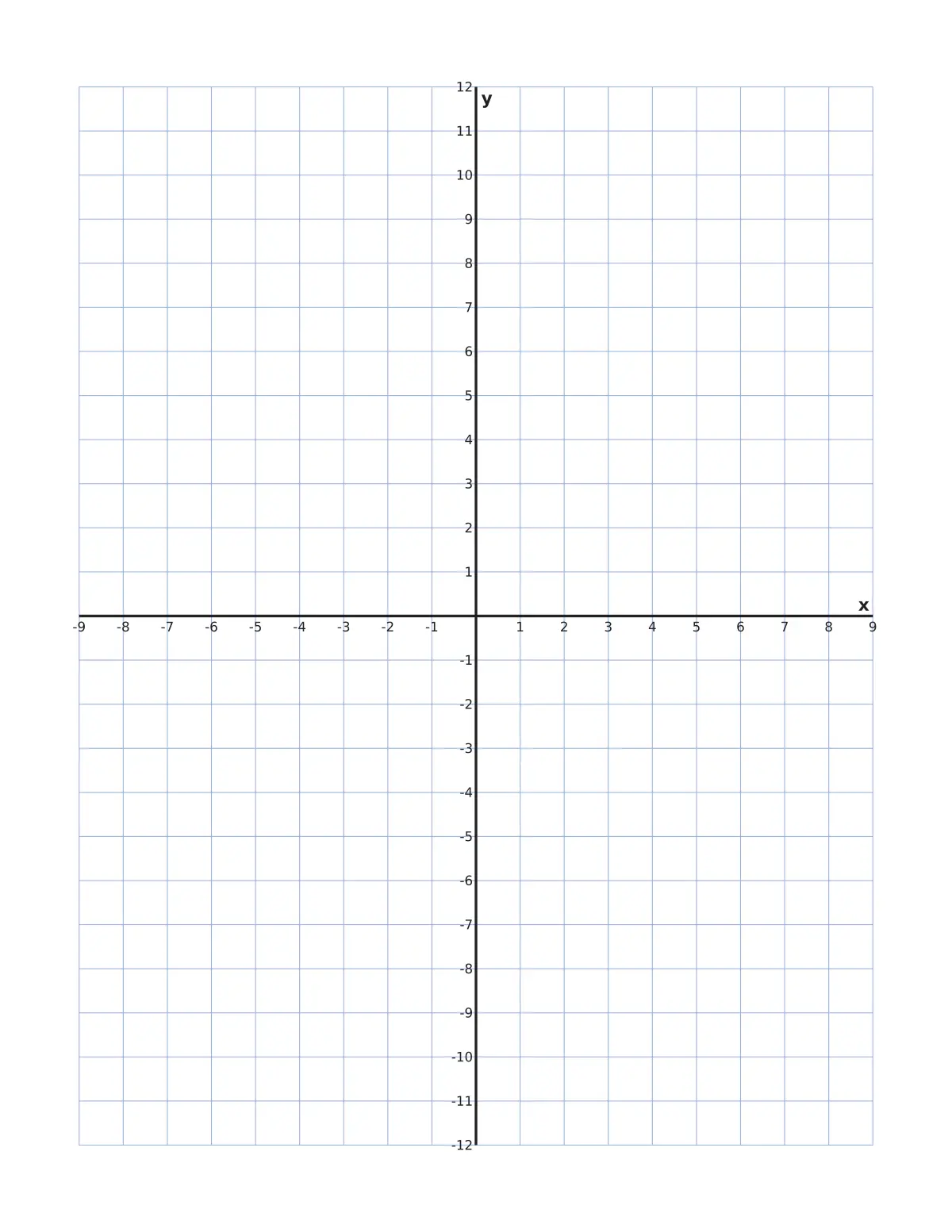
Here each unit of the coordinate plane is a full centimeter square, about 0.39 inch, which is roughly twice the size of a standard 5 mm grid. Bigger squares are easier to count, easier to hit with a pencil point and easier to read from the back of the room when projected. That makes this setting a good fit for students meeting ordered pairs for the first time, for learners who need larger print, and for mystery picture activities. The generator loads with the 1 cm unit, and you can still change it along with any other option.
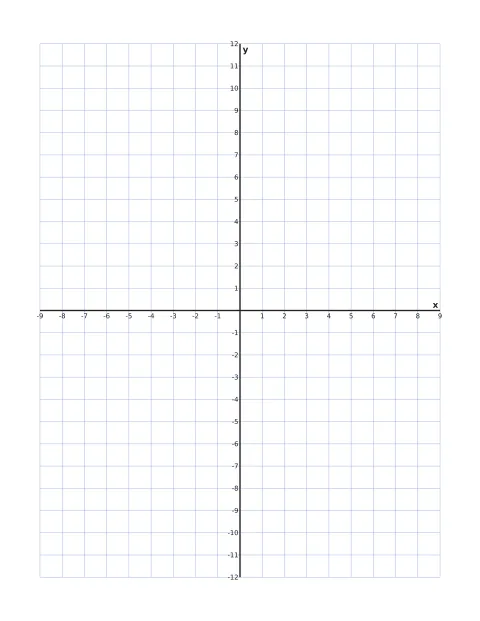
Preview of page 1. 215.9 mm × 279.4 mm. Print at 100% (“Actual size”) to keep the spacing exact.
Tips for this setting
- Expect a smaller numbered range: on A4 or Letter a 1 cm plane reaches roughly 8 to 12 units from the origin in each direction depending on the axis.
- Ask students to put a dot exactly on the grid crossing and then circle it; the larger squares make sloppy placement easy to spot and correct.
- Use the 1 cm plane for geometry transformations with simple shapes, where the vertices stay within a small range.
- Print one plane per page for display under a document camera, where thin 5 mm lines can disappear.
Every option above can still be changed. For the full guide to coordinate plane, see the coordinate plane page.
Settings on this page
| Setting | Value | Set by |
|---|---|---|
| Paper size | US Letter in the US and Canada, A4 everywhere else (from your browser language) | Coordinate plane default |
| Orientation | Portrait | Coordinate plane default |
| Margin | 10 mm (0.394 in) on every side | Coordinate plane default |
| Unit size | 10 mm (0.394 in) | This preset |
| Line weight | 0.20 mm | Coordinate plane default |
| Name and date line | Off | Coordinate plane default |
| Per page | 1 | Coordinate plane default |
| Number every | every 1 | Coordinate plane default |
This page changes the unit size from the standard coordinate plane settings. Paper size, orientation and margin sit in the Paper panel of the generator; the other settings are in the Coordinate plane panel. The address bar updates as you change them, so you can bookmark or share your own version.
Printing it at the right size
US Letter is 215.9 × 279.4 mm and A4 is 210 × 297 mm. Choose the size that is in your printer under Size before you download, because a print dialog that fits a Letter page onto A4 scales it to about 97%, and A4 onto Letter to about 94%.
Exact size matters here. If a print dialog fits A4 onto US Letter (about 94%), the unit size of 10 mm prints as 9.41 mm. Choose "Actual size" or "Scale 100%", then check one measurement on the printout with a ruler.
Questions
Is a 1 cm grid the same as 1/2 inch?
No. One centimeter is about 0.39 inch, so 1 cm squares are a bit smaller than 1/2 inch squares. If you need an inch-based grid, change the unit size in the generator.
Why use larger units on a coordinate plane?
Large units help students who are still learning to count spaces from the origin and to keep the x value and y value apart. Once that is solid, smaller units allow wider ranges and more complex graphs.