 RuledPaper
Free printable · preset
Printable 12 Column Ledger Paper
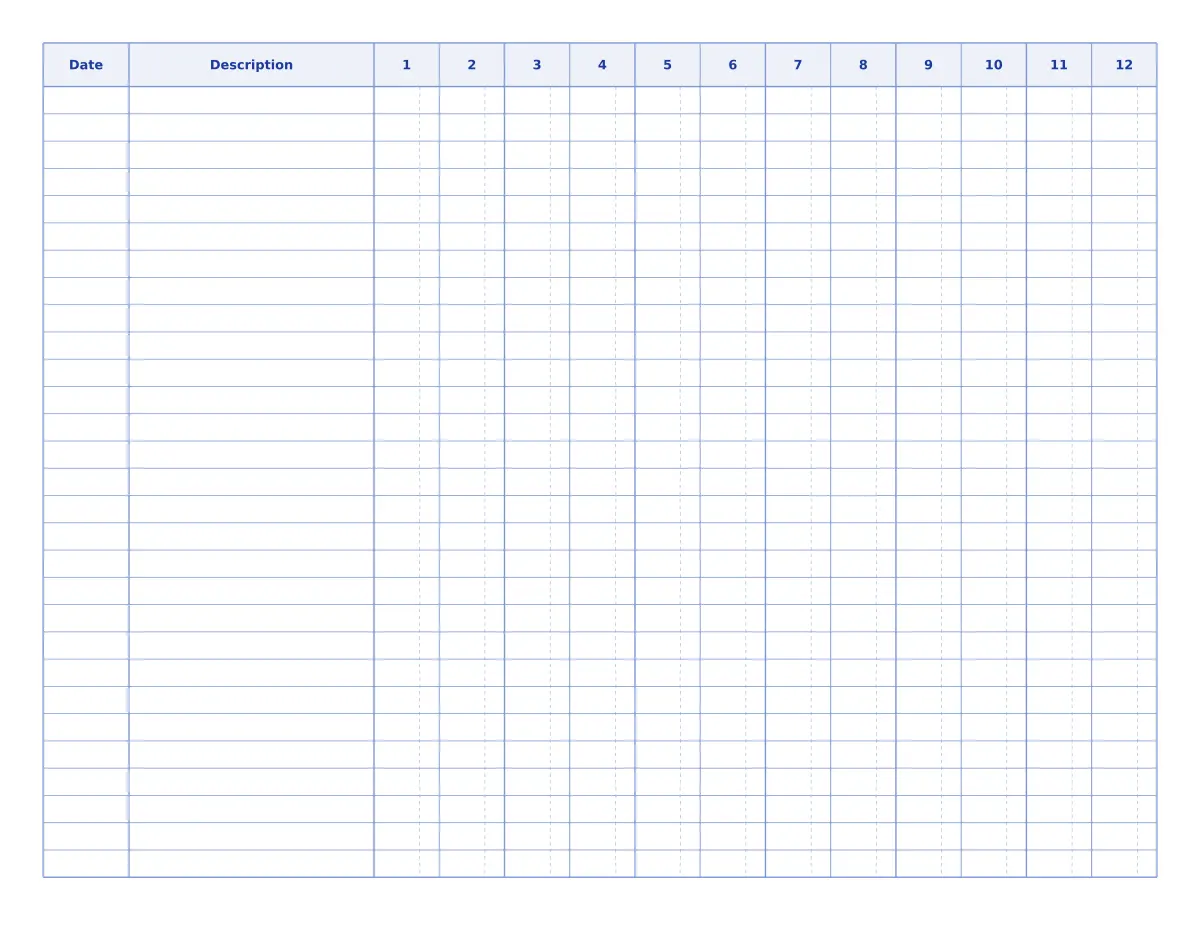
Twelve money columns make one column per month, so a full year of a budget, a cash book or a set of category totals fits across one landscape sheet. This preset prints a date column, a wide description column and twelve numbered money columns, each with a dotted cents divider, on Letter or A4 turned sideways.
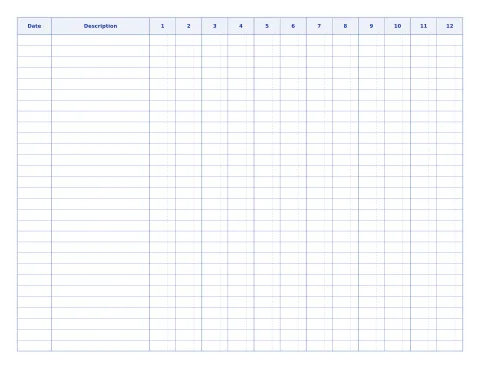
Preview of page 1. 279.4 mm × 215.9 mm. Print at 100% (“Actual size”) to keep the spacing exact.
Tips for this setting
- Write the month names in the numbered header boxes, starting with your financial year.
- Use the description column for the income or expense category and fill one row per category.
- Add a 13th column by hand at the right edge, or use the last column for totals.
- Choose A3 or Tabloid for larger figures; the columns widen to match the paper.
Households use the 12 column sheet for a yearly budget, small business owners and club treasurers for a month by month cash summary, and accounting students for columnar exercises. It also works for tracking twelve recurring bills across a year, with one row per bill and a tick or amount in each month.
Every option above can still be changed. For the full guide to ledger paper, see the ledger paper page.
Settings on this page
| Setting | Value | Set by |
|---|---|---|
| Paper size | US Letter in the US and Canada, A4 everywhere else (from your browser language) | Ledger paper default |
| Orientation | Landscape | This preset |
| Margin | 10 mm (0.394 in) on every side | Ledger paper default |
| Columns | 12 money columns | This preset |
| Row height | 6.35 mm (0.25 in) | Ledger paper default |
| Line weight | 0.18 mm | Ledger paper default |
This page changes the orientation and columns from the standard ledger paper settings. Paper size, orientation and margin sit in the Paper panel of the generator; the other settings are in the Ledger paper panel. The address bar updates as you change them, so you can bookmark or share your own version.
Printing it at the right size
US Letter is 215.9 × 279.4 mm and A4 is 210 × 297 mm. Choose the size that is in your printer under Size before you download, because a print dialog that fits a Letter page onto A4 scales it to about 97%, and A4 onto Letter to about 94%.
Exact size matters here. If a print dialog fits A4 onto US Letter (about 94%), the row height of 6.35 mm prints as 5.97 mm. Choose "Actual size" or "Scale 100%", then check one measurement on the printout with a ruler.
This preset prints in landscape. The PDF pages are already turned, so leave the printer on automatic orientation and check the preview before you print a stack.
Questions
What is 12 column ledger paper used for?
Most often for yearly budgets and summaries with one column per month, and for analysis sheets that split spending into twelve categories.
Why is it printed in landscape?
Turning the page gives each of the twelve money columns enough width for amounts with cents.
What is the difference between a journal and a ledger?
A journal records each transaction in date order as it happens. A ledger sorts the same entries into accounts, so each account shows its own running balance. Columnar paper is used for both, and a 12 column layout is mostly used for summaries by month or category.