RuledPaper
Free printable · preset
Printable Lined Paper Without a Margin Line
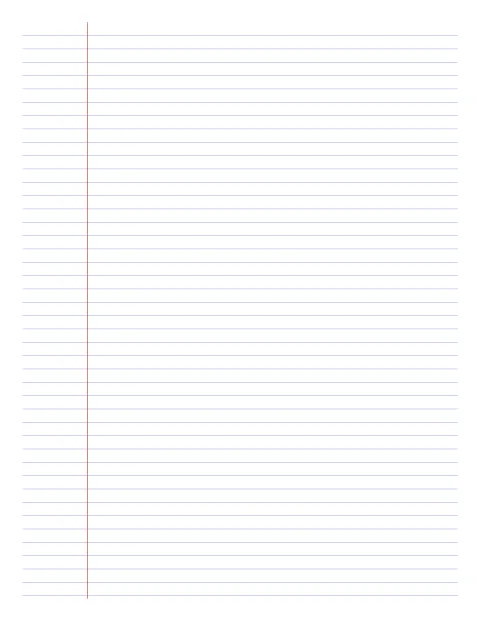
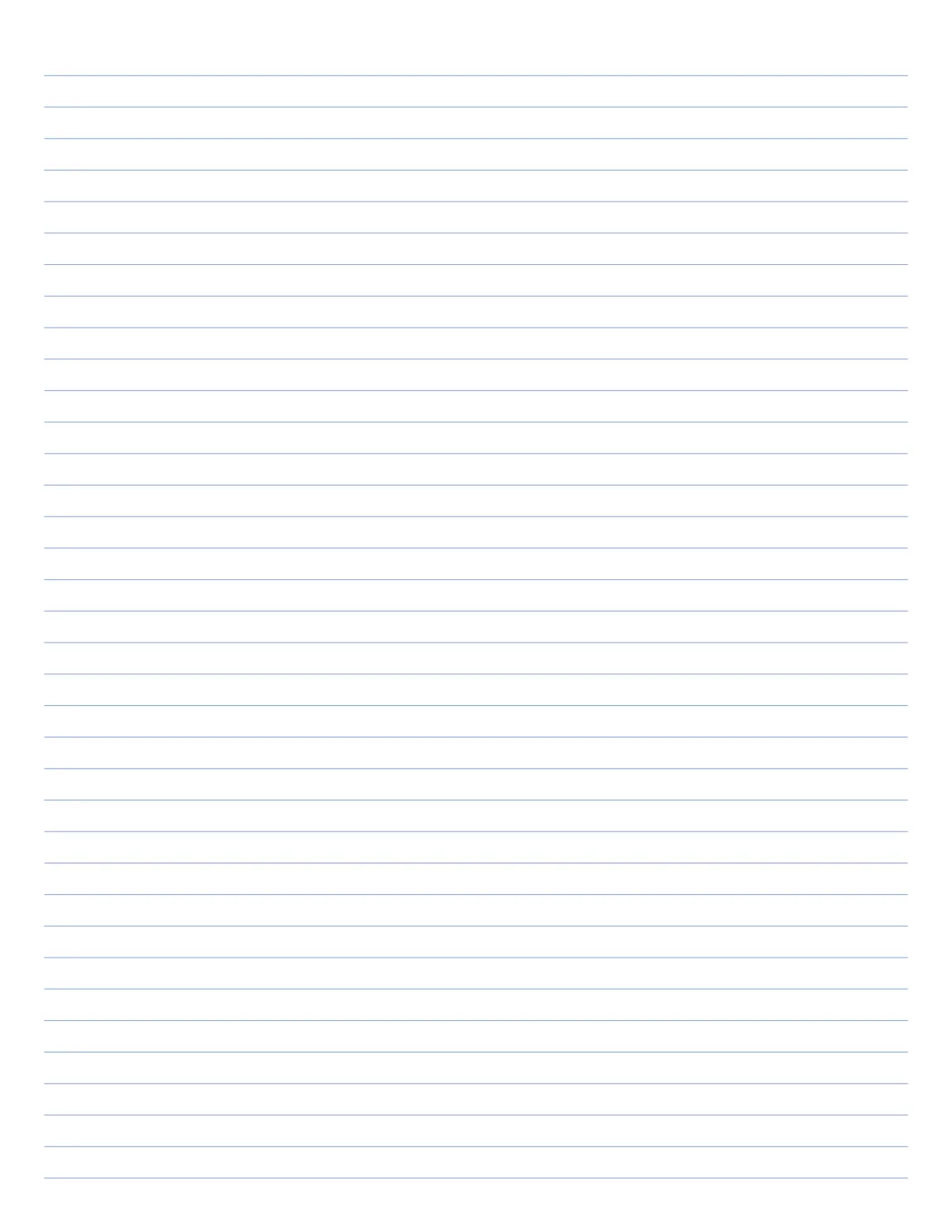
This version of lined paper drops the vertical red margin so every row runs the full width of the printable area. It is the cleaner choice for journals, letters, scrapbooks and printouts that will be trimmed or cut into strips. The page opens the generator with the margin line switched off and college ruling (9/32 inch, 7.14 mm) as the spacing, and every option, including the margin itself, can still be changed.
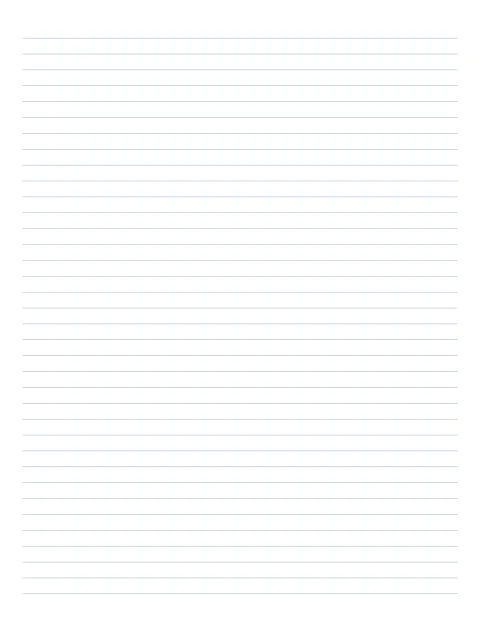
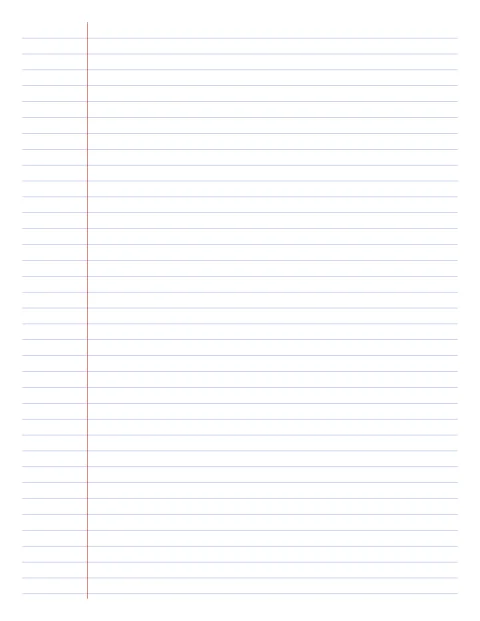
Preview of page 1. 215.9 mm × 279.4 mm. Print at 100% (“Actual size”) to keep the spacing exact.
Tips for this setting
- Use a no-margin page for personal letters and gratitude journals, where a red line looks too much like homework.
- Cut the sheet into strips for sentence strips, labels or bookmarks; without the margin, every piece looks the same.
- Print on cream or colored paper to make simple stationery, and pick a soft line color that matches the stock.
- If you punch holes for a binder, write a little in from the edge yourself, because there is no ruled margin to stop you.
Every option above can still be changed. For the full guide to lined paper, see the lined paper page.
Settings on this page
| Setting | Value | Set by |
|---|---|---|
| Paper size | US Letter in the US and Canada, A4 everywhere else (from your browser language) | Lined paper default |
| Orientation | Portrait | Lined paper default |
| Margin | 10 mm (0.394 in) on every side | Lined paper default |
| Line spacing | 7.14 mm (0.281 in) | Lined paper default |
| Line weight | 0.20 mm | Lined paper default |
| Name and date line | Off | Lined paper default |
| Margin line | Off | This preset |
| Bold line every | Off | Lined paper default |
This page changes the margin line from the standard lined paper settings. Paper size, orientation and margin sit in the Paper panel of the generator; the other settings are in the Lined paper panel. The address bar updates as you change them, so you can bookmark or share your own version.
Inside the margins this fits 36 lines on US Letter and 38 lines on A4.
Printing it at the right size
US Letter is 215.9 × 279.4 mm and A4 is 210 × 297 mm. Choose the size that is in your printer under Size before you download, because a print dialog that fits a Letter page onto A4 scales it to about 97%, and A4 onto Letter to about 94%.
Exact size matters here. If a print dialog fits A4 onto US Letter (about 94%), the line spacing of 7.14 mm prints as 6.72 mm. Choose "Actual size" or "Scale 100%", then check one measurement on the printout with a ruler.
Questions
Why does lined paper have a red margin line?
The margin keeps text away from the binding edge and gives teachers or editors a strip for comments. For personal writing it is optional, which is why this page removes it.
Can I use different line spacing without a margin?
Yes. Only the margin line is switched off here; set the spacing to wide, narrow or any metric value and the rows will still run edge to edge.