RuledPaper
Free printable · preset
Printable Landscape Lined Paper
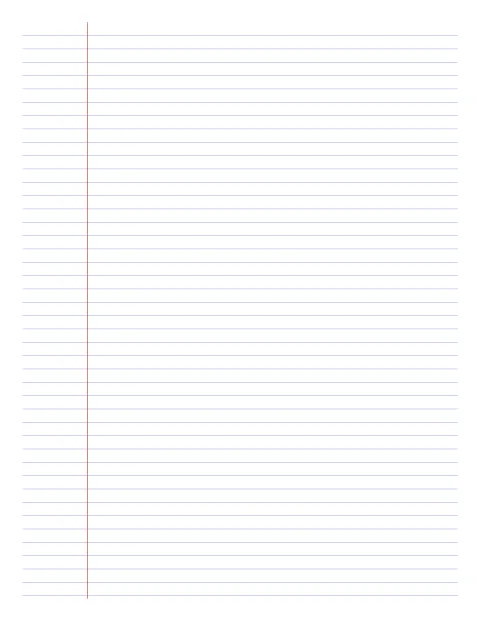
Landscape lined paper turns the sheet on its side so every row runs along the long edge. Fewer rows fit, but each one is much longer, which suits timelines, wide tables written by hand, poetry with long lines and pages that will be bound along the top. The generator on this page opens in landscape orientation with college ruling (9/32 inch, 7.14 mm), and you can still change the spacing, size, margin and colors.
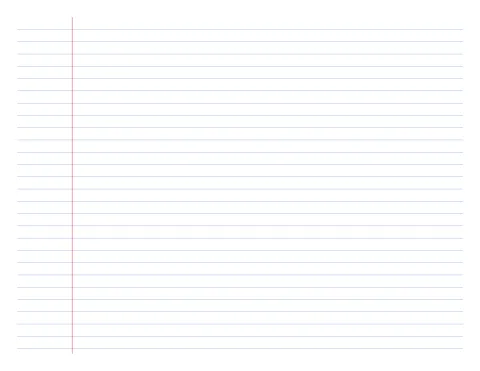
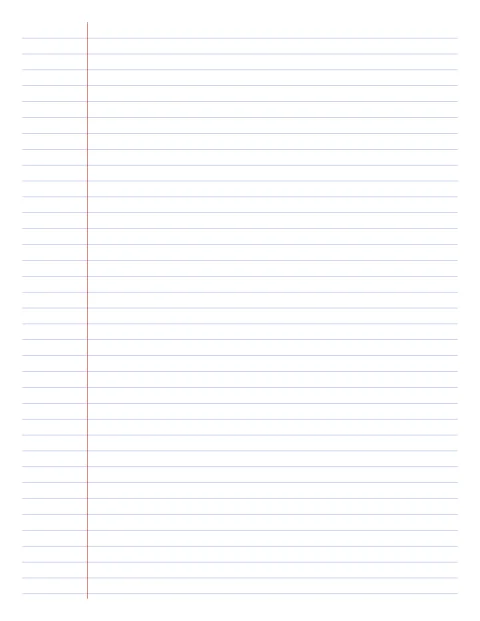
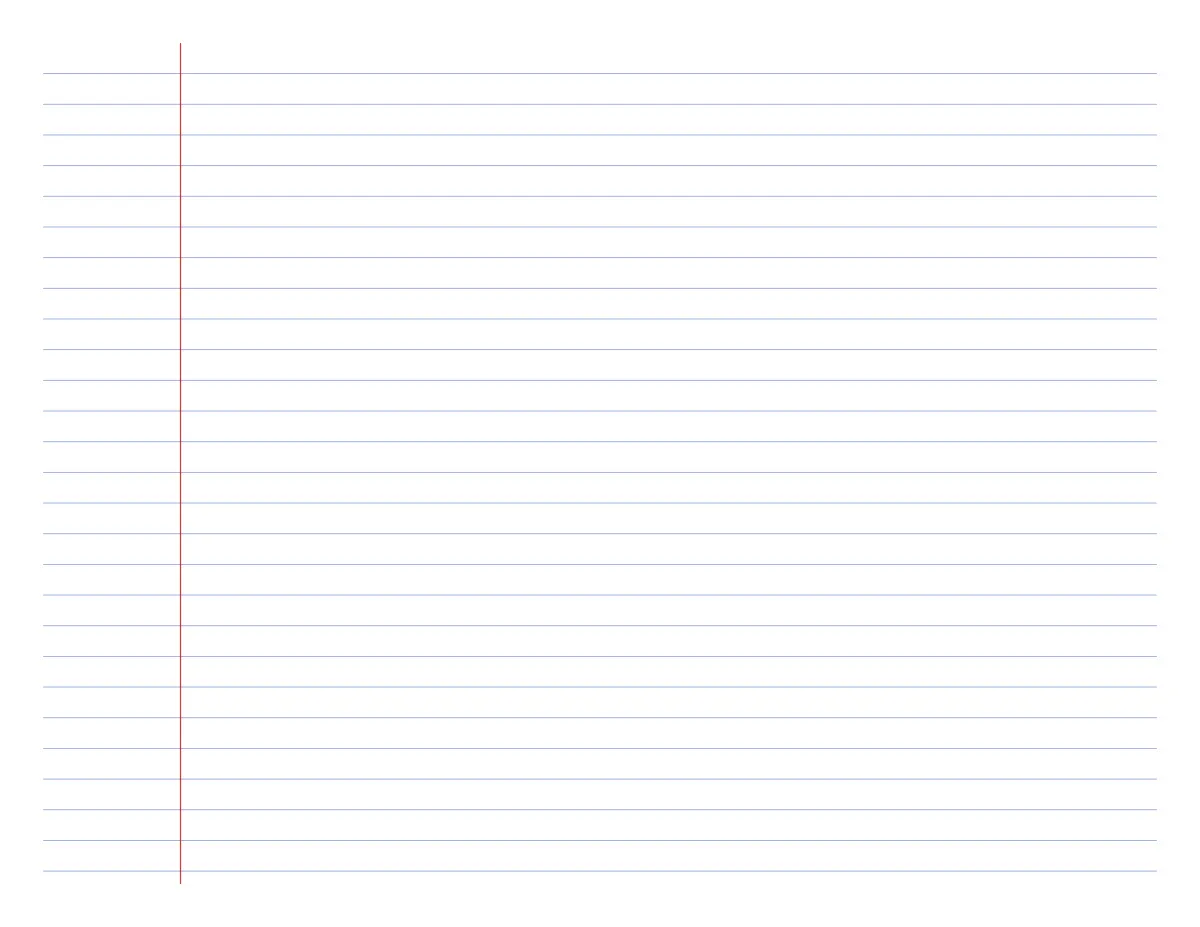
Preview of page 1. 279.4 mm × 215.9 mm. Print at 100% (“Actual size”) to keep the spacing exact.
Tips for this setting
- Use landscape for handwritten timelines and history notes, where a date column on the left and a long description on the right fit on one row.
- Bind or staple along the short top edge to make a flip pad, which is the natural layout for landscape sheets on a clipboard.
- Switch to wide ruling for young children who write large; long rows mean fewer line breaks in the middle of a word.
- Turn off the margin line for presentation notes or cue cards so you can read each row in one sweep of the eye.
Every option above can still be changed. For the full guide to lined paper, see the lined paper page.
Settings on this page
| Setting | Value | Set by |
|---|---|---|
| Paper size | US Letter in the US and Canada, A4 everywhere else (from your browser language) | Lined paper default |
| Orientation | Landscape | This preset |
| Margin | 10 mm (0.394 in) on every side | Lined paper default |
| Line spacing | 7.14 mm (0.281 in) | Lined paper default |
| Line weight | 0.20 mm | Lined paper default |
| Name and date line | Off | Lined paper default |
| Margin line | On | Lined paper default |
| Bold line every | Off | Lined paper default |
This page changes the orientation from the standard lined paper settings. Paper size, orientation and margin sit in the Paper panel of the generator; the other settings are in the Lined paper panel. The address bar updates as you change them, so you can bookmark or share your own version.
Inside the margins this fits 27 lines on US Letter and 26 lines on A4.
Printing it at the right size
US Letter is 215.9 × 279.4 mm and A4 is 210 × 297 mm. Choose the size that is in your printer under Size before you download, because a print dialog that fits a Letter page onto A4 scales it to about 97%, and A4 onto Letter to about 94%.
Exact size matters here. If a print dialog fits A4 onto US Letter (about 94%), the line spacing of 7.14 mm prints as 6.72 mm. Choose "Actual size" or "Scale 100%", then check one measurement on the printout with a ruler.
This preset prints in landscape. The PDF pages are already turned, so leave the printer on automatic orientation and check the preview before you print a stack.
Questions
How do I print lined paper in landscape?
This page already sets the generator to landscape, so the PDF itself is wide. In the print dialog choose landscape or "auto rotate" and print at 100% so the spacing stays exact.
What is landscape lined paper good for?
Anything where long rows beat many rows: timelines, wide lists with several fields, song lyrics, poetry, or notes that sit next to a laptop on a narrow desk.