 RuledPaper
Free printable · preset
Printable Centimeter Ruler
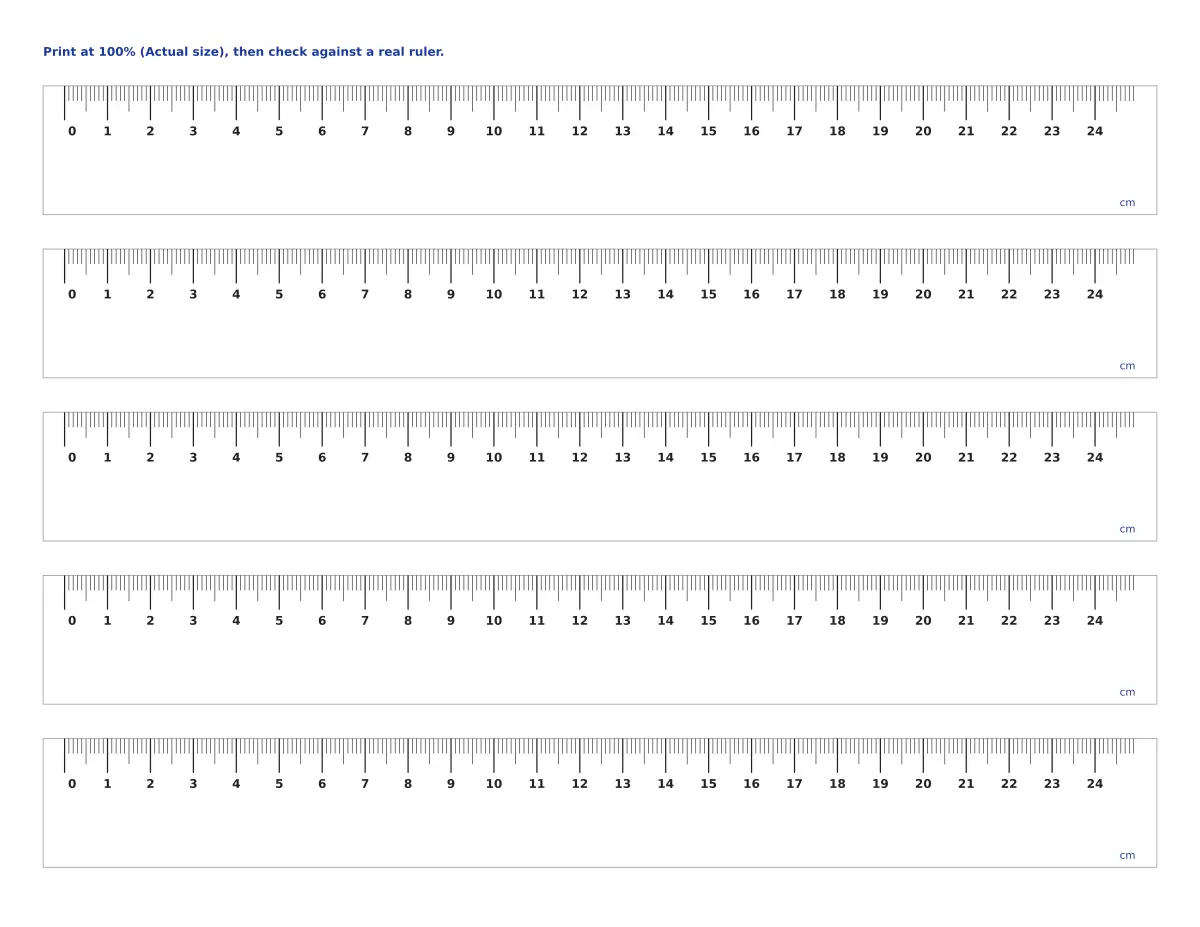
This preset prints metric rulers only: millimetre ticks, a longer tick at every 5 mm and a number at every centimetre, about 25 cm per strip on A4 or Letter landscape. Without an inch scale on the other edge, the strips are easier for children to read and quicker to use for metric crafts, science and sewing.
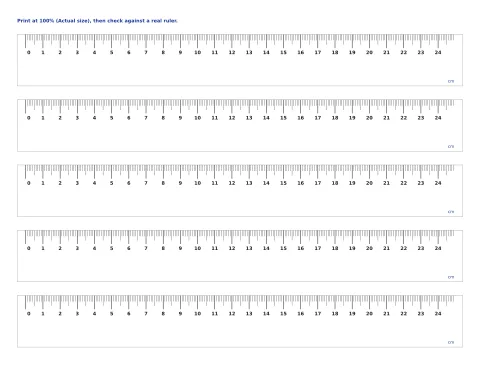
Preview of page 1. 279.4 mm × 215.9 mm. Print at 100% (“Actual size”) to keep the spacing exact.
Tips for this setting
- Print at 100% or Actual size, then check 10 cm on the strip against a real ruler before you rely on it.
- Print on card stock and cut along the grey outline for a stiffer ruler.
- Start measuring at the 0 line, not at the edge of the paper strip.
- Tape two strips end to end for a 50 cm ruler.
Metric-only strips suit primary classrooms where children first learn to measure in centimetres, and they are handy for sewing, model making and science labs that work in millimetres. Teachers print a sheet per table so every pupil has a ruler for a measuring activity, and crafters keep a strip in a notebook or pattern folder.
Every option above can still be changed. For the full guide to printable ruler, see the printable ruler page.
Settings on this page
| Setting | Value | Set by |
|---|---|---|
| Paper size | US Letter in the US and Canada, A4 everywhere else (from your browser language) | Printable ruler default |
| Orientation | Landscape | Printable ruler default |
| Margin | 10 mm (0.394 in) on every side | Printable ruler default |
| Scale | Centimetres (1 mm) | This preset |
| Line weight | 0.18 mm | Printable ruler default |
This page changes the scale from the standard printable ruler settings. Paper size, orientation and margin sit in the Paper panel of the generator; the other settings are in the Printable ruler panel. The address bar updates as you change them, so you can bookmark or share your own version.
Printing it at the right size
US Letter is 215.9 × 279.4 mm and A4 is 210 × 297 mm. Choose the size that is in your printer under Size before you download, because a print dialog that fits a Letter page onto A4 scales it to about 97%, and A4 onto Letter to about 94%.
A paper ruler is only accurate at 100%. Choose "Actual size" or "Scale 100%" in the print dialog, then hold the printout against a real ruler and check that 10 cm on paper measure exactly 10 cm.
This preset prints in landscape. The PDF pages are already turned, so leave the printer on automatic orientation and check the preview before you print a stack.
Questions
How many millimetres are in a centimetre?
Ten. The long numbered ticks are centimetres and the short ticks between them are millimetres.
How do I convert centimetres to inches?
Divide by 2.54. One inch is defined as exactly 25.4 mm, so 10 cm is about 3.94 in.
Is a printed ruler accurate?
Only if the page prints at exactly 100%. Check 10 cm on the strip against a real ruler first; if the printout is shorter, the print dialog is still scaling the page, usually through a "Fit to page" option. For precision work such as woodworking or engineering, use a steel ruler.