 RuledPaper
Free printable · preset
Printable 360 Degree Protractor
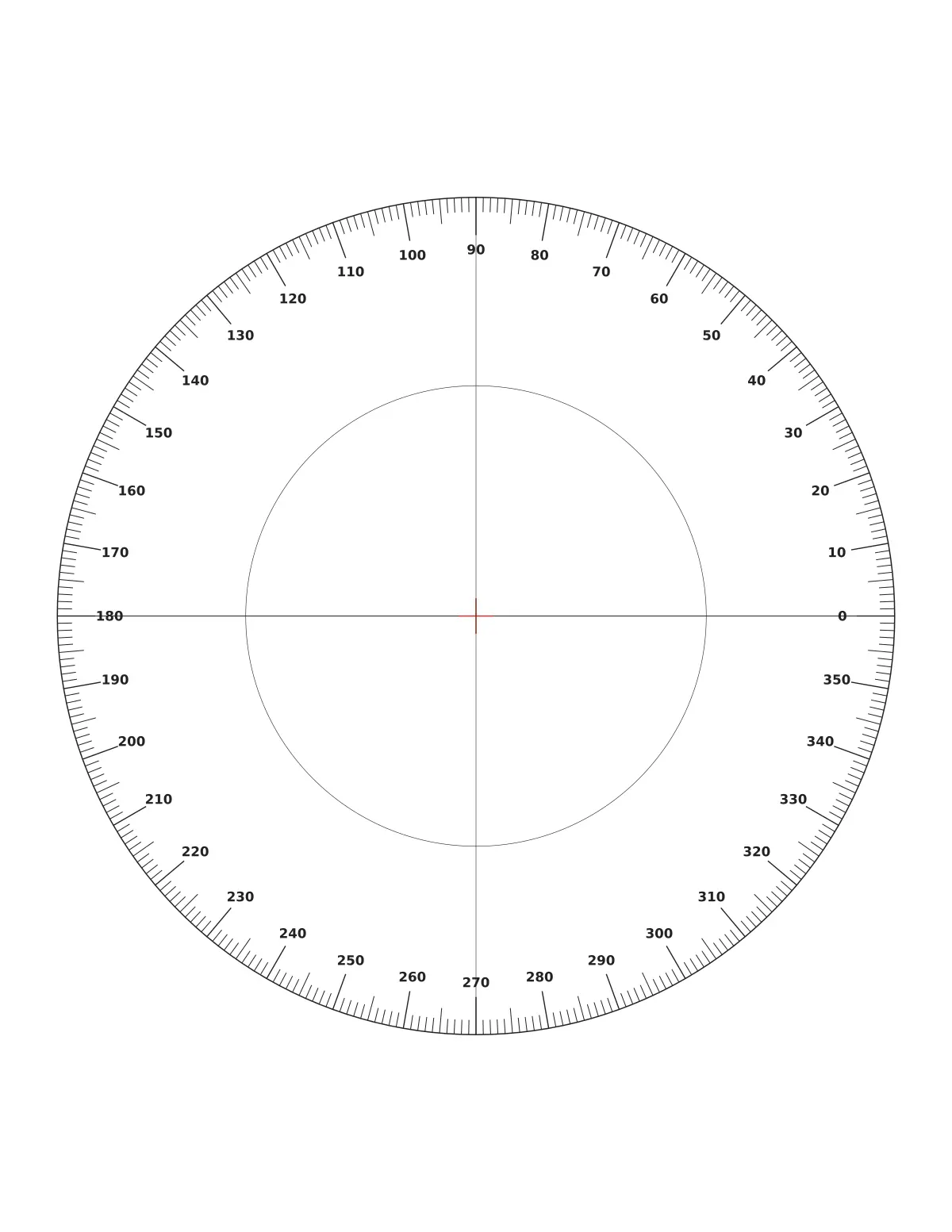
A full-circle protractor measures any angle in one go, including reflex angles over 180 degrees. This preset prints a 360 degree scale numbered counter-clockwise from 0 on the right, with a mark every degree, centre crosshairs and an inner ring for drawing. It is also the easiest tool for pie charts: each 1 percent of the data is 3.6 degrees.
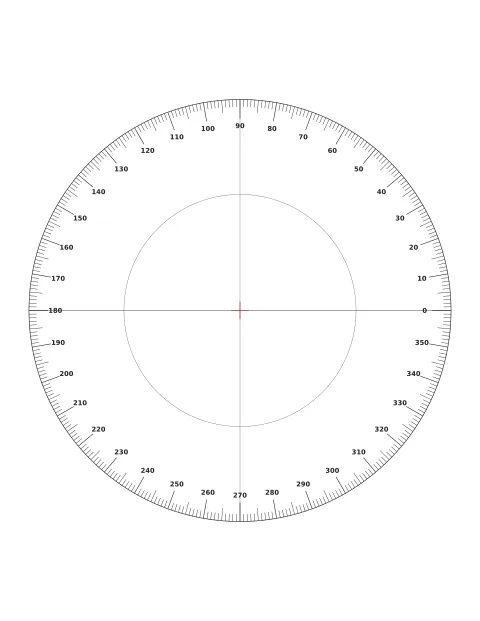
Preview of page 1. 215.9 mm × 279.4 mm. Print at 100% (“Actual size”) to keep the spacing exact.
Tips for this setting
- Print on transparency film so you can see the angle through the protractor.
- For a pie chart, multiply each percentage by 3.6 to get its angle, then mark the slices one after another.
- Put the centre cross on the vertex and the 0 line on the first arm before reading.
- For bearings, turn the sheet so 90 points up the page and read clockwise from north instead.
Pupils need a full-circle protractor once lessons reach reflex angles and angles around a point, which a half-circle tool can only measure in two steps. Map readers and orienteering beginners use it for bearings, and anyone drawing a pie chart by hand can mark every slice from one centre without turning the paper.
Every option above can still be changed. For the full guide to printable protractor, see the printable protractor page.
Settings on this page
| Setting | Value | Set by |
|---|---|---|
| Paper size | US Letter in the US and Canada, A4 everywhere else (from your browser language) | Printable protractor default |
| Orientation | Portrait | Printable protractor default |
| Margin | 10 mm (0.394 in) on every side | Printable protractor default |
| Type | 360° (full circle) | This preset |
| Line weight | 0.18 mm | Printable protractor default |
This page changes the type from the standard printable protractor settings. Paper size, orientation and margin sit in the Paper panel of the generator; the other settings are in the Printable protractor panel. The address bar updates as you change them, so you can bookmark or share your own version.
Printing it at the right size
US Letter is 215.9 × 279.4 mm and A4 is 210 × 297 mm. Choose the size that is in your printer under Size before you download, because a print dialog that fits a Letter page onto A4 scales it to about 97%, and A4 onto Letter to about 94%.
Scaling never changes angles, so a protractor printed at 94% still reads every degree correctly; only its radius gets smaller. Printing at "Actual size" keeps it as large as possible on the sheet, which makes the 1 degree ticks easier to read.
Questions
What is a reflex angle?
An angle larger than 180 degrees and smaller than 360 degrees. A full-circle protractor reads it directly.
How many degrees are in a full circle?
360. A half circle is 180 and a right angle is 90.
How do you measure a reflex angle with a 180 degree protractor?
Measure the smaller angle on the other side of the lines, then subtract it from 360. If that inside angle is 130 degrees, the reflex angle is 230 degrees. A 360 degree protractor skips the subtraction: you read the reflex angle straight off the full scale.