 RuledPaper
Free printable · preset
Printable Blackletter Calligraphy Guide Sheets
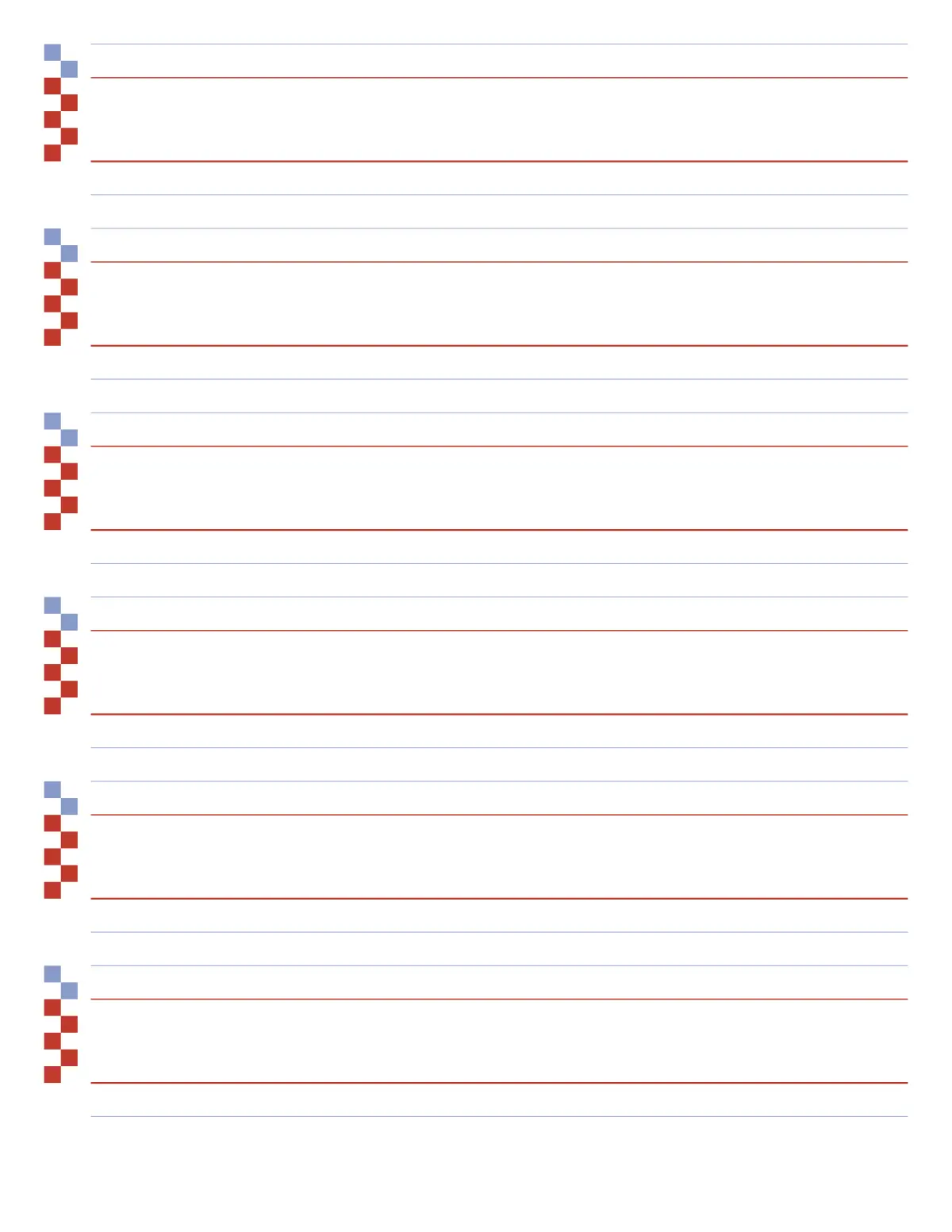
Blackletter, also called gothic or textura, is upright, dense and built from short, broken strokes, so its guide sheet has no slant lines. This preset sets the guidelines for blackletter minuscules at 5 nib widths with the cap line and ascenders at 7 nib widths, and draws the nib ladder at the start of every line. Enter the width of your own pen and every line moves with it.
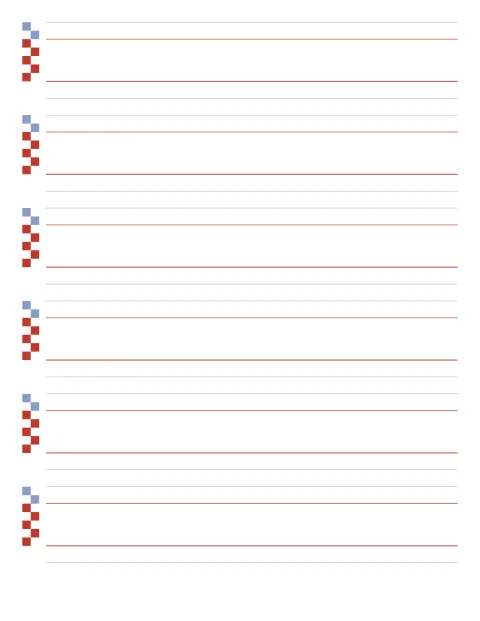
Preview of page 1. 215.9 mm × 279.4 mm. Print at 100% (“Actual size”) to keep the spacing exact.
Tips for this setting
- Keep the pen at a steady angle and let the nib make the thick and thin strokes; do not twist it within a letter.
- Practise the minim, the short vertical stroke with diamond feet and heads, until a row of them is evenly spaced.
- Space the strokes inside a letter about the same as the gap between letters, which gives blackletter its even texture.
- Start with a 3.8 mm parallel pen or a wide dip nib; larger letters make mistakes easier to see.
Every option above can still be changed. For the full guide to calligraphy guide sheets, see the calligraphy guide sheets page.
Settings on this page
| Setting | Value | Set by |
|---|---|---|
| Paper size | US Letter in the US and Canada, A4 everywhere else (from your browser language) | Calligraphy guide sheets default |
| Orientation | Portrait | Calligraphy guide sheets default |
| Margin | 10 mm (0.394 in) on every side | Calligraphy guide sheets default |
| Script | Blackletter / Gothic (5, caps at 7) | This preset |
| Nib width | 3.8 mm (0.15 in) | Calligraphy guide sheets default |
| Slant guide angle (°, 90 = none) | 90° | This preset |
| Line weight | 0.20 mm | Calligraphy guide sheets default |
| Name and date line | Off | Calligraphy guide sheets default |
This page changes the script and slant guide angle (°, 90 = none) from the standard calligraphy guide sheets settings. Paper size, orientation and margin sit in the Paper panel of the generator; the other settings are in the Calligraphy guide sheets panel. The address bar updates as you change them, so you can bookmark or share your own version.
Printing it at the right size
US Letter is 215.9 × 279.4 mm and A4 is 210 × 297 mm. Choose the size that is in your printer under Size before you download, because a print dialog that fits a Letter page onto A4 scales it to about 97%, and A4 onto Letter to about 94%.
Exact size matters here. If a print dialog fits A4 onto US Letter (about 94%), the nib width of 3.8 mm prints as 3.57 mm. Choose "Actual size" or "Scale 100%", then check one measurement on the printout with a ruler.
Questions
How tall is blackletter in nib widths?
A common guide uses an x-height of 5 nib widths for blackletter minuscules, with the cap line and ascenders at 7 nib widths.
Why are there no slant lines?
Textura blackletter is written upright, with tall, narrow letters, so slant lines are switched off for this preset. You can add them again in the settings.