RuledPaper
Free printable · preset
Printable Classic Comic Page Layout
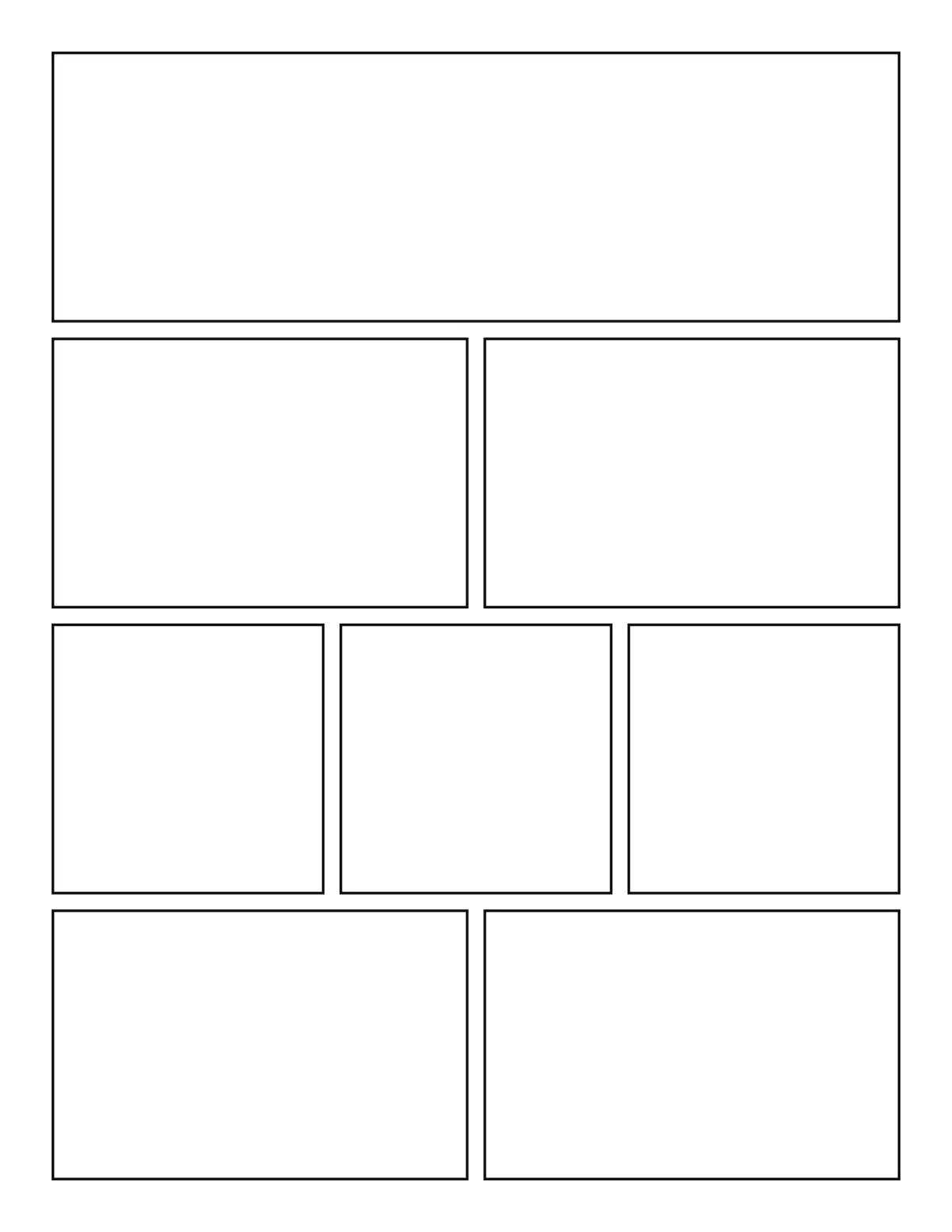
This layout splits the page into four tiers of 1, 2, 3 and 2 panels. The wide opening panel sets the scene, the three panel tier speeds up the action and the final tier closes the page, a rhythm familiar from comic books. The page opens the generator with the classic layout already selected, and you can still switch layouts, line weight and color.
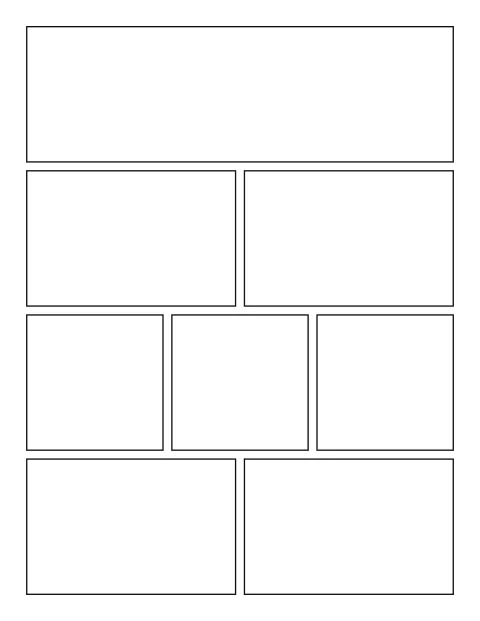
Preview of page 1. 215.9 mm × 279.4 mm. Print at 100% (“Actual size”) to keep the spacing exact.
Tips for this setting
- Use the wide first panel as an establishing shot that shows where the scene happens.
- Put fast action in the three panel row, where the narrow frames make reading feel quicker.
- Plan the page turn: the last panel should make readers want to see the next page.
- Sketch in light pencil first, then ink the borders and figures once the layout works.
Kids and teens use it to draw their first full comic pages, art teachers use it for sequential storytelling lessons, and adult artists use it for quick thumbnails before the final page. Writers also sketch rough page breakdowns on it to test whether a scene fits on one page.
Every option above can still be changed. For the full guide to comic book page, see the comic book page page.
Settings on this page
| Setting | Value | Set by |
|---|---|---|
| Paper size | US Letter in the US and Canada, A4 everywhere else (from your browser language) | Comic book page default |
| Orientation | Portrait | Comic book page default |
| Margin | 12 mm (0.472 in) on every side | Comic book page default |
| Panel layout | Classic (1, 2, 3, 2) | This preset |
| Line weight | 0.20 mm | Comic book page default |
This page changes the panel layout from the standard comic book page settings. Paper size, orientation and margin sit in the Paper panel of the generator; the other settings are in the Comic book page panel. The address bar updates as you change them, so you can bookmark or share your own version.
Printing it at the right size
US Letter is 215.9 × 279.4 mm and A4 is 210 × 297 mm. Choose the size that is in your printer under Size before you download, because a print dialog that fits a Letter page onto A4 scales it to about 97%, and A4 onto Letter to about 94%.
This comic book page preset does not depend on an exact measurement the way ruled or graph paper does, but printing at "Actual size" or 100% keeps the 12 mm margin even on all four sides.
Questions
How many panels are on the classic comic page?
Eight: one on the first tier, two on the second, three on the third and two on the fourth.
What paper should I print comic pages on?
Normal printer paper works for pencils and markers. For ink and watercolor, use heavier paper or trace the layout onto bristol board with a lightbox. Print a few spare pages so you can redraw a panel without starting the whole page again.
In what order do you read comic panels?
In English language comics, panels are read left to right along each tier, then top to bottom, like text. Manga is read right to left. On this layout that means panel 1, then 2 and 3, then 4 to 6, then 7 and 8.