RuledPaper
Free printable · preset
Number Line from 0 to 100 by Tens
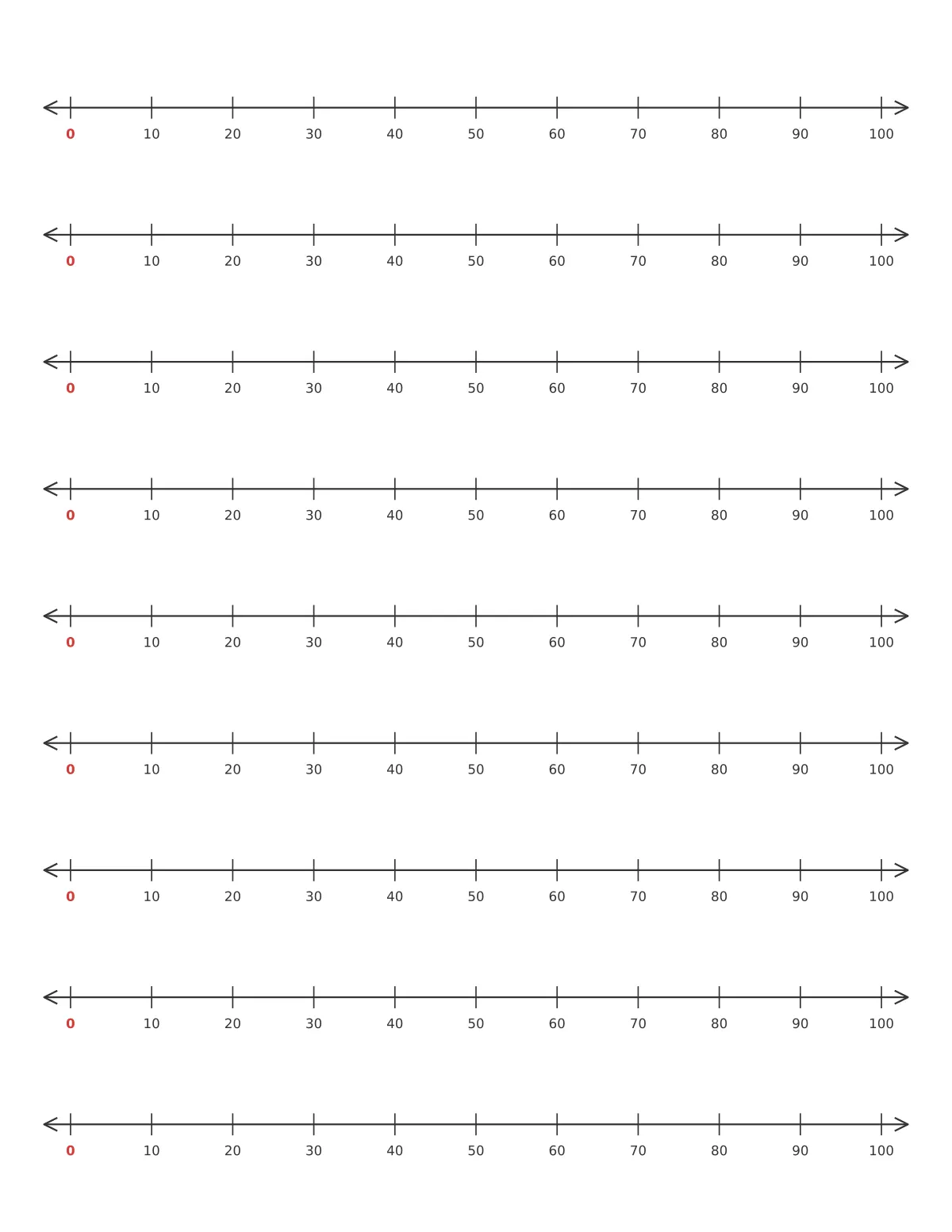
This preset prints number lines from 0 to 100 with a labeled tick at every multiple of ten. The open spaces between the tens are the point: children place numbers such as 47 or 83 by estimating, which builds place value sense, and they round to the nearest ten by seeing which tick is closer. The same lines work for adding and subtracting two-digit numbers with jumps of ten. The generator opens on the 0 to 100 by tens range, and you can change any option.
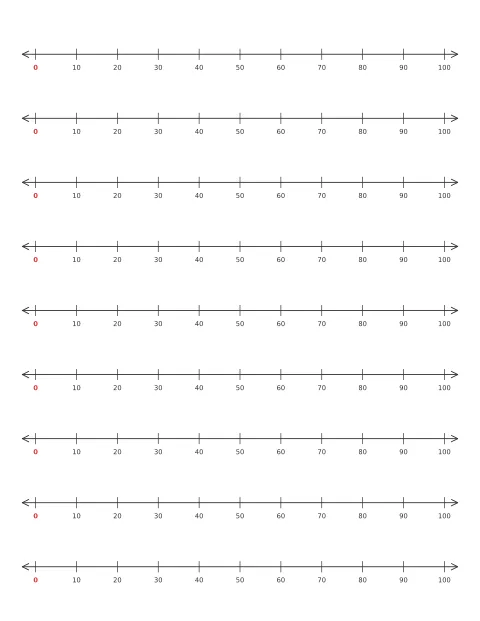
Preview of page 1. 215.9 mm × 279.4 mm. Print at 100% (“Actual size”) to keep the spacing exact.
Tips for this setting
- Ask children to mark the halfway point, 50, before placing other numbers; it anchors every estimate on the line.
- For rounding, have them mark the number and then circle the nearer ten; 35 sits exactly halfway, a good discussion point about the rounding rule.
- Model 38 + 25 as a jump of 20 to 58 and then 5 more to 63, drawing each jump as an arc.
- Add small marks for fives with a pencil once children are ready for finer estimates.
Every option above can still be changed. For the full guide to number lines, see the number lines page.
Settings on this page
| Setting | Value | Set by |
|---|---|---|
| Paper size | US Letter in the US and Canada, A4 everywhere else (from your browser language) | Number lines default |
| Orientation | Portrait | Number lines default |
| Margin | 10 mm (0.394 in) on every side | Number lines default |
| Range | 0 to 100 by tens | This preset |
| Line weight | 0.20 mm | Number lines default |
| Name and date line | Off | Number lines default |
This page changes the range from the standard number lines settings. Paper size, orientation and margin sit in the Paper panel of the generator; the other settings are in the Number lines panel. The address bar updates as you change them, so you can bookmark or share your own version.
Printing it at the right size
US Letter is 215.9 × 279.4 mm and A4 is 210 × 297 mm. Choose the size that is in your printer under Size before you download, because a print dialog that fits a Letter page onto A4 scales it to about 97%, and A4 onto Letter to about 94%.
This number lines preset does not depend on an exact measurement the way ruled or graph paper does, but printing at "Actual size" or 100% keeps the 10 mm margin even on all four sides.
Questions
Why use a number line marked only in tens?
An open, tens-only line makes children think about where a number belongs instead of counting single ticks. It supports estimation, rounding and mental strategies such as jumping by ten.
How do you round to the nearest ten on a number line?
Find the two tens the number sits between and see which one is closer. A number ending in 5 is exactly in the middle and, by the usual rule, rounds up.